For QwenPaw documentation, please refer to: https://qwenpaw.agentscope.io/docs/intro
Blog post: Beyond the Chat Box: What a Personal AI Assistant Actually Is (中文)
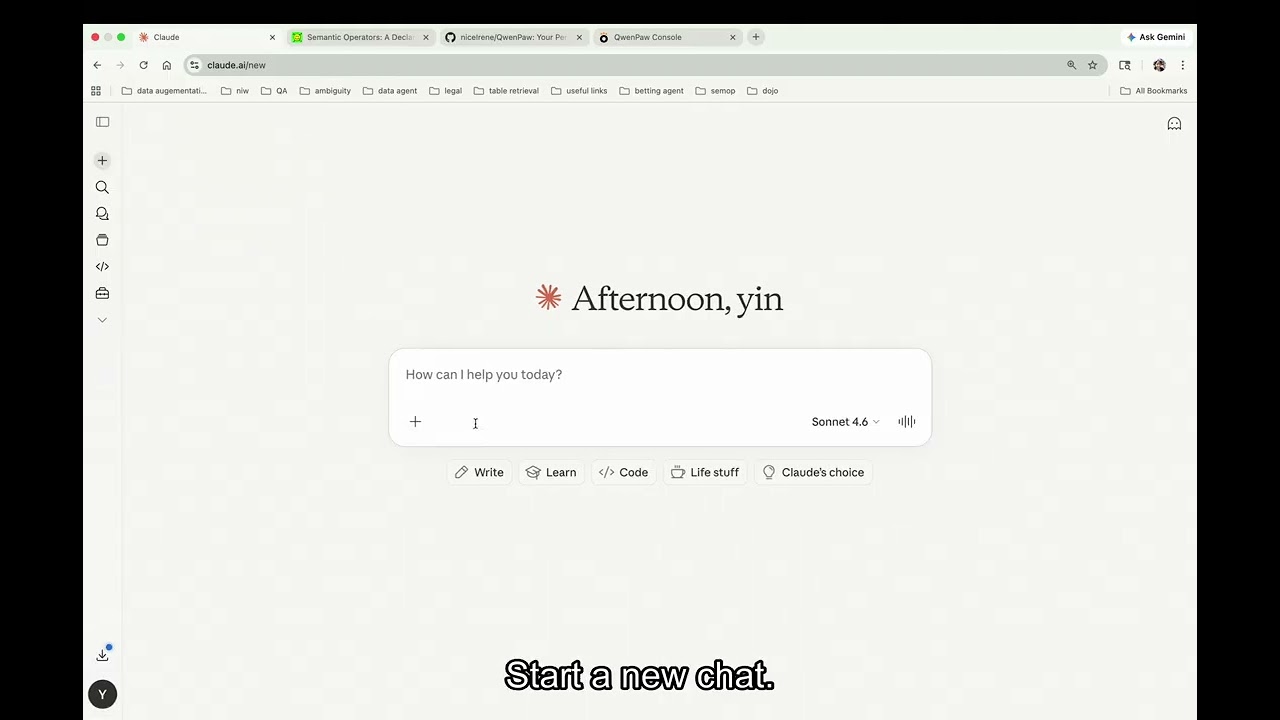
Click to watch on YouTube (~1.5× speed, subtitled).
Connect your QwenPaw Copilot Digest assistant to claude.ai (web) or the Claude mobile app in about 10 minutes.
After setup, you can:
- Get ranked briefings: "what's new today?", "catch me up on this week"
- Browse your reading list: "what's in my reading list?"
- Read full articles: "tell me about the Nvidia paper"
- Save URLs: "save https://example.com to my reading list"
- Save files: "ingest ~/papers/attention.pdf"
- Discuss articles and capture notes: "discuss #3", "save these notes"
- Export briefings: "export today's briefing"
- Manage interests: "add AI policy to my topics", "what sources am I tracking?"
- On mobile, ask questions about your reading list via Claude
- Agent id:
<your-agent-id>(Copilot Digest) — find viaqwenpaw agents list - Workspace:
~/.qwenpaw/workspaces/copilot-digest/ - Token file:
~/.qwenpaw/mcp_token - Ports: QwenPaw backend
8088, MCP server8089
Sanity-check the agent and grab its id:
qwenpaw agents list
Also needed: cloudflared (brew install cloudflared) and a claude.ai
Pro / Team / Enterprise account (custom connectors are paid-tier).
qwenpaw app
Leave this running. Expected: QwenPaw logs "Uvicorn running on …:8088".
In a new terminal:
qwenpaw-mcp serve --no-auth --agent-id <your-agent-id> \
  --workspace ~/.qwenpaw/workspaces/copilot-digest
The --workspace flag enables direct workspace tools that read/write
your knowledge base files directly without an assistant round-trip.
Without it, only assistant-proxied tools are available.
Expected output on stderr:
MCP bearer token: qp_mcp_abc123...
Stored at: /Users/you/.qwenpaw/mcp_token
qwenpaw-mcp listening on http://127.0.0.1:8089 ...
Copy the token. You'll paste it into claude.ai in step 4. (It's
also saved to ~/.qwenpaw/mcp_token for later — cat that file
anytime.)
In a third terminal:
cloudflared tunnel --url http://127.0.0.1:8089
Expected output includes a line like:
Your quick tunnel has been created!
https://lovely-possum-42.trycloudflare.com/mcp
Copy that HTTPS URL.
⚠️ Keep all three terminals running while you use the connector.
- Go to claude.ai → Settings → Profile → Connectors → Add custom connector.
- URL: paste the
https://…trycloudflare.comURL from step 3. - Authentication: choose Bearer token, paste the
qp_mcp_…token from step 2. - Save. Open a new chat and enable the connector.
In a claude.ai chat with the connector enabled, say:
Save this URL to my reading list: https://example.com
Claude should invoke send_message. You'll see a reply like
"Saved." and a new entry should appear under
~/.qwenpaw/workspaces/<…>/articles/ on your machine.
On Claude mobile:
- Open the app → Settings → Connectors — your new connector should already be there (it syncs from claude.ai).
- Enable it.
- Ask "what's new on my reading list?" to get started.
These require --workspace to be set. They read/write workspace files
directly and respond in milliseconds.
Browse & read
| Tool | What to say to Claude |
|---|---|
list_reading_list |
"what's in my reading list?", "show unread articles", "what did I save this week?" |
get_article |
"tell me about the Nvidia paper", "show me article abc123" (returns the curated _script.md summary when available, otherwise the raw article) |
get_stats |
"how many articles do I have?", "knowledge base stats" |
Briefings
| Tool | What to say to Claude |
|---|---|
get_briefing |
"what's new today?", "this week's briefing", "weekly briefing", "catch me up", "unread items on fintech" |
export_briefing |
"export today's briefing", "compile my notes and articles" |
Status tracking
| Tool | What to say to Claude |
|---|---|
mark_read |
"mark that as read", "I've read article abc123" |
mark_unread |
"mark that as unread again" |
mark_discussed |
"we discussed this" (also marks as read) |
Work outputs
| Tool | What to say to Claude |
|---|---|
save_work_output |
"save my notes", "save my discussion notes", "record the takeaways", "write down the action items" |
Configuration
| Tool | What to say to Claude |
|---|---|
get_config |
"what sources am I tracking?", "show my topics", "what's my fetch schedule?" |
update_config |
"add AI policy to my topics", "remove crypto from my interests", "add TechCrunch as a source" |
These forward to the Copilot Digest assistant and may take 10-60 seconds.
| Tool | What to say to Claude |
|---|---|
send_message |
"discuss the SEC case", "draft a summary", "set up auto-fetch" |
ingest_url |
"save https://example.com to my reading list" |
ingest_file |
"ingest /Users/me/papers/attention.pdf" (path on your QwenPaw machine) |
| Tool | What to say to Claude |
|---|---|
reset_session |
"forget the previous conversation" / "start over" |
Claude (claude.ai web / mobile app)
  │
  │  Streamable HTTP  (MCP 2025-03-26 transport)
  ▼
cloudflared tunnel
  │
  ▼
qwenpaw-mcp server  (port 8089, uvicorn + mcp.streamable_http_app())
  ├── server.py      — FastMCP tool definitions, handles the MCP protocol
  ├── workspace.py   — direct read/write of workspace files
  │                    (used by the fast tools: list_reading_list,
  │                     get_article, get_briefing, mark_*, get_stats,
  │                     get_config, update_config, save_work_output,
  │                     export_briefing)
  └── client.py      — HTTP + SSE proxy to the QwenPaw backend
                       (used by send_message, ingest_url, ingest_file)
          │
          │  POST /api/agents/{agent_id}/console/chat
          │  response: text/event-stream (backend's own API, not MCP)
          ▼
QwenPaw backend  (port 8088)
  │
  ▼
Filesystem  /  LLM
Two transports, don't confuse them. The Claude ↔ MCP hop uses Streamable HTTP — the current MCP transport standard, which replaced the older SSE-only transport. The MCP ↔ QwenPaw-backend hop separately uses an SSE-style response stream, but that's the backend's own console API, not the MCP protocol.
Two latencies. The fast path (workspace.py) answers
browse/read/status calls in milliseconds by touching workspace files
directly. The slow path (client.py) forwards conversational work
to the Copilot Digest assistant, which can take 10–60 seconds because
an LLM is in the loop.
| What you see | What to try |
|---|---|
401 Unauthorized in claude.ai |
Token mismatch. Re-copy ~/.qwenpaw/mcp_token into the connector settings. |
Cannot reach QwenPaw at … |
qwenpaw app isn't running. Start it. |
Agent '<your-agent-id>' not found |
Agent was deleted or recreated with a new id. Run qwenpaw agents list and update --agent-id. |
Console channel not registered on agent … |
The agent was created without the console channel. Recreate it with qwenpaw agents create …. |
QwenPaw did not finish within 180s |
Long PDF ingest. Raise --timeout 300 when starting the MCP server. |
| Connector shows up but tool calls hang | Check Terminal 2 (MCP server) for errors. Restart the tunnel — trycloudflare.com URLs sometimes drift. |
If you think the token leaked:
rm ~/.qwenpaw/mcp_token
qwenpaw-mcp serve --agent-id <your-agent-id> --print-token
A new token is generated on first run. Update the claude.ai connector with the new value.
- Ctrl-C in each of the three terminals.
- The claude.ai connector stays registered; next time just start the three processes again and the existing token still works.
- Copilot Digest skill behavior:
src/qwenpaw/agents/skills/copilot_digest/SKILL.md - HTTP contract we proxy:
src/qwenpaw/app/routers/console.py